
QIDI Tech Unveils Low-cost Q1 Pro with Heated Chamber
 Heads up: our content may contain affiliate links. If you buy something through one of those links, you won’t pay a penny more, but we’ll get a small commission. Read more here.
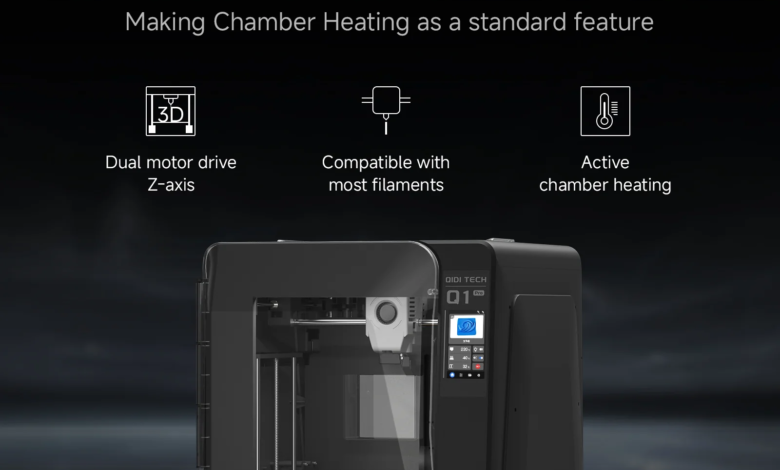
Today, QIDI Tech has unveiled their latest 3D printer with a heated build chamber, the Q1 Pro.
The Q1 Pro follows on the heels of the QIDI X-Max 3 and X-Plus 3 which were released a few months back. Both of those machines at the time were the most cost effective solution for those wishing to purchase a 3D printer with an actively heated build chamber for under $1000 USD.
QIDI Tech Q1 Pro
The most budget-friendly actively heated 3D printer than money can buy comes with internal camera, dual z-axis, all-metal frame, Klipper firmware, and a lot more.
- – Print size: 245 x 245 x 245 mm
- – 600mm/s max speed
- – full-auto leveling
- – Dual z-axis
- – ringing compensation
- – 60°C chamber temperature
- – 120°C hotbed
- – 350°C hot end
- – all-metal dual gear extruder
- – QIDI Slicer.
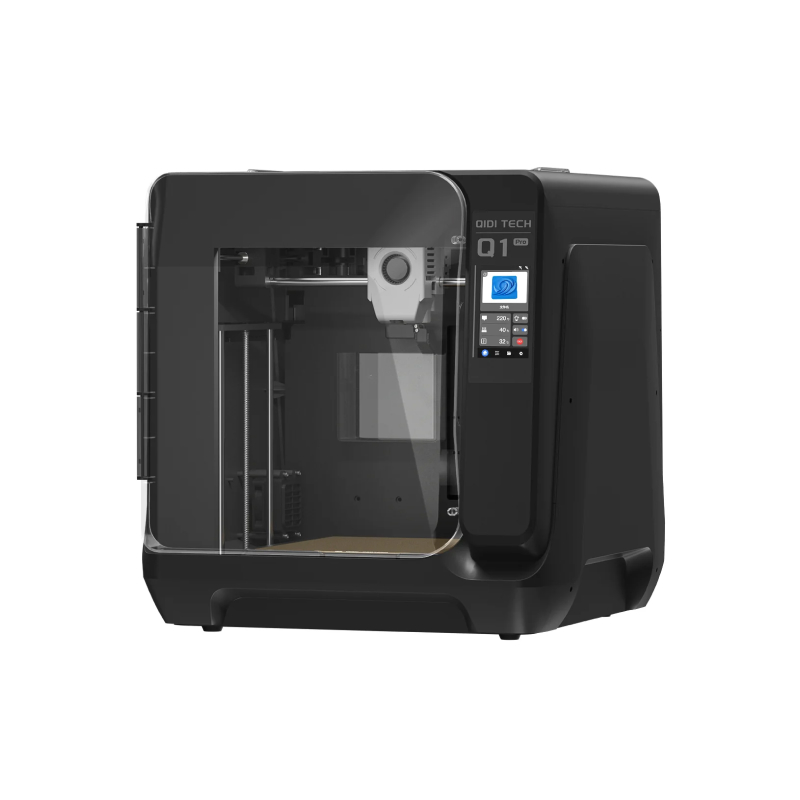
The Q1 Pro, however, seems to be setting a new record for the most budget-friendly actively heated 3D printer, as it can be purchased for less than $600. Not only is it more kinder on the wallet than the two previous heated models, but it has a whole bunch of other features for the price.
Read on to know more about the QIDI Q1 Pro.

Main Features
First up, let’s look at the general features of the Q1 Pro. It has a build volume of 245 x 245 x 245 mm, CoreXY kinematics, a super stable (and aesthetically pleasing) all metal frame, and a dual z-axis with 4 linear rails for stability. It features automatic leveling with dual sensors, enabling users to get printing with precision, as soon as they take it out of the box.
It also features a feed inspection system consisting of filament runout sensor, and filament wrapping detector, to help avoid any filament-related mishaps.
The whole shebang is powered by a Cortex A53 64-bit processor running Klipper, and features a 2.4G wireless card.
The Q1 Pro also has its own internal camera, which enables instantaneous monitoring of print status and time-lapse photography for recording prints. So no need to mess around with 3D party hardware when making time lapse print videos for “The ‘Gram”.
Did we mention that the Q1 Pro is fast? It can print at speeds up to 600mm/s and acceleration of up to 20,000 mm/s^2.
Heated Chamber
Like the X-Max3 and X-Plus3, the Q1 Pro has an actively heated build chamber that heats up to 60°C, which unlocks the ability to print a much wider range of materials, without worrying about warping, cracking, or other undesirable effects.
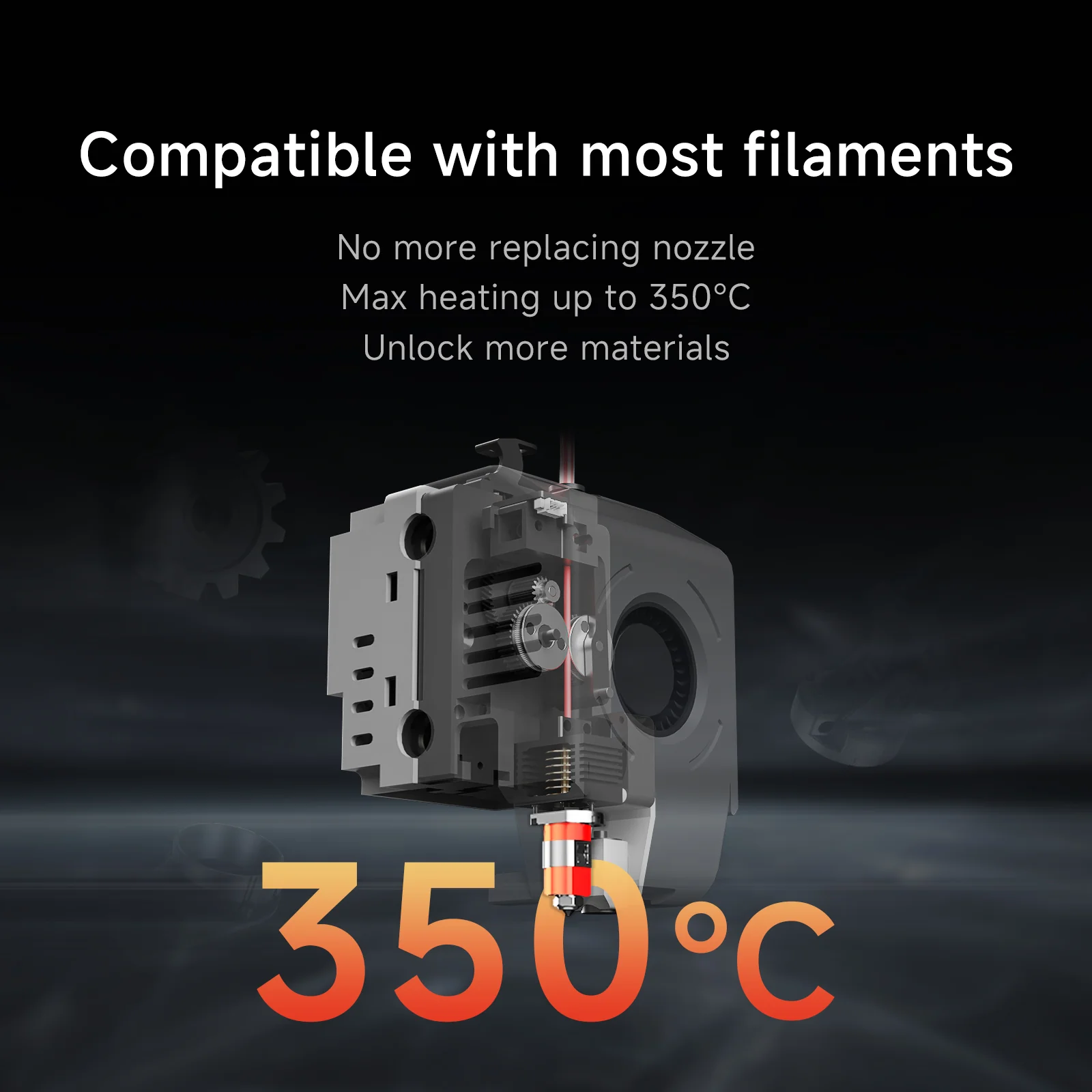
With the heated chamber, combined with the new all metal dual gear extruder (with 350°C hot end), the Q1 Pro can print materials such as ABS, ASA, PA-CF, PP, ABS-GF, ABS-FR (and more).
Availability
The QIDI Q1 Pro is available right now through the QIDI site which you can access at the link below. Its regular RRP is $599, but it is on offer right now for the deliciously low price of $469 USD.
That just about makes it the only 3D printer with an actively heated chamber in the world for under five hundred bucks. Whew!
And we will be reviewing it very shortly, and will let you know exactly how it performs, so stay tuned for that.
Come and let us know your thoughts on our Facebook, X, and LinkedIn pages, and don’t forget to sign up for our weekly additive manufacturing newsletter to get all the latest stories delivered right to your inbox.